
Perfect control, zero concept bleeding
Just fill in the fields - we handle the rest. Our visual editor automatically separates subject, face, style and background. No JSON knowledge required.
Concept bleeding destroys your results
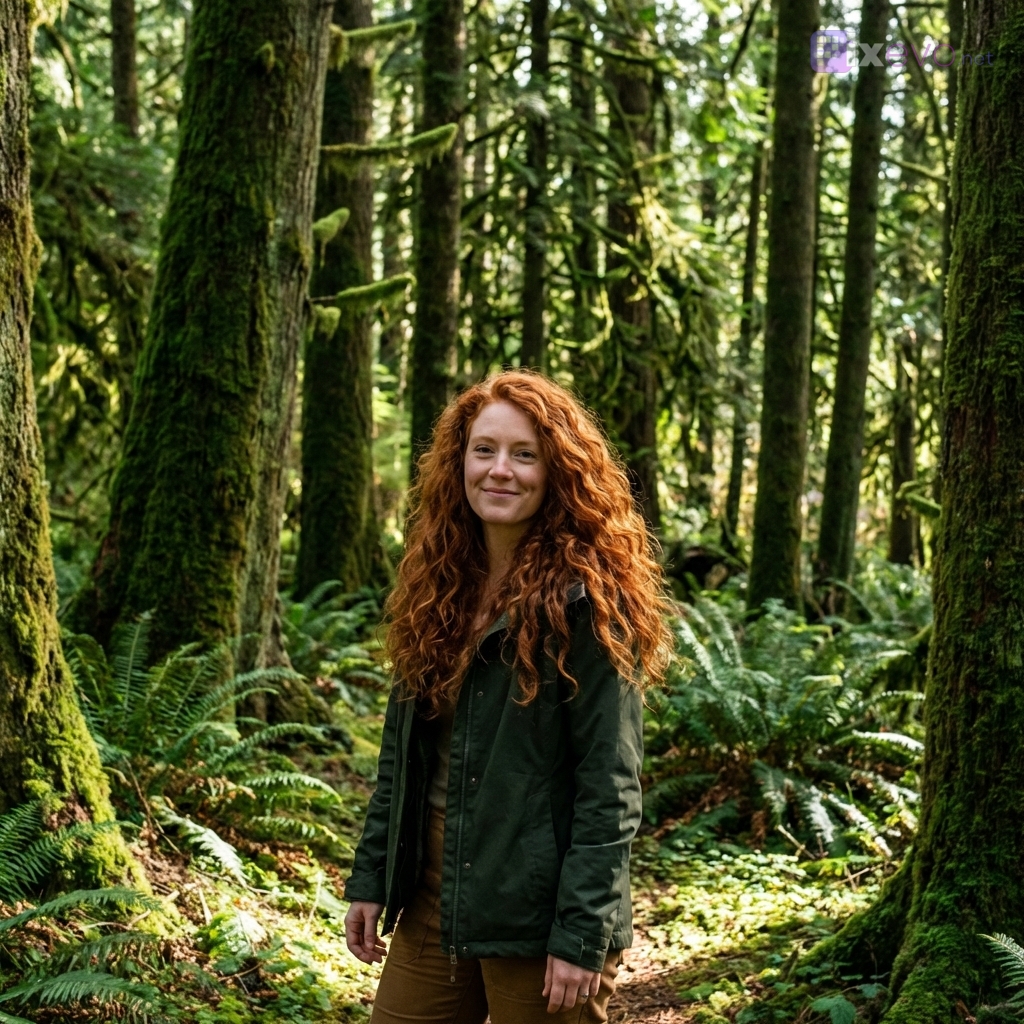
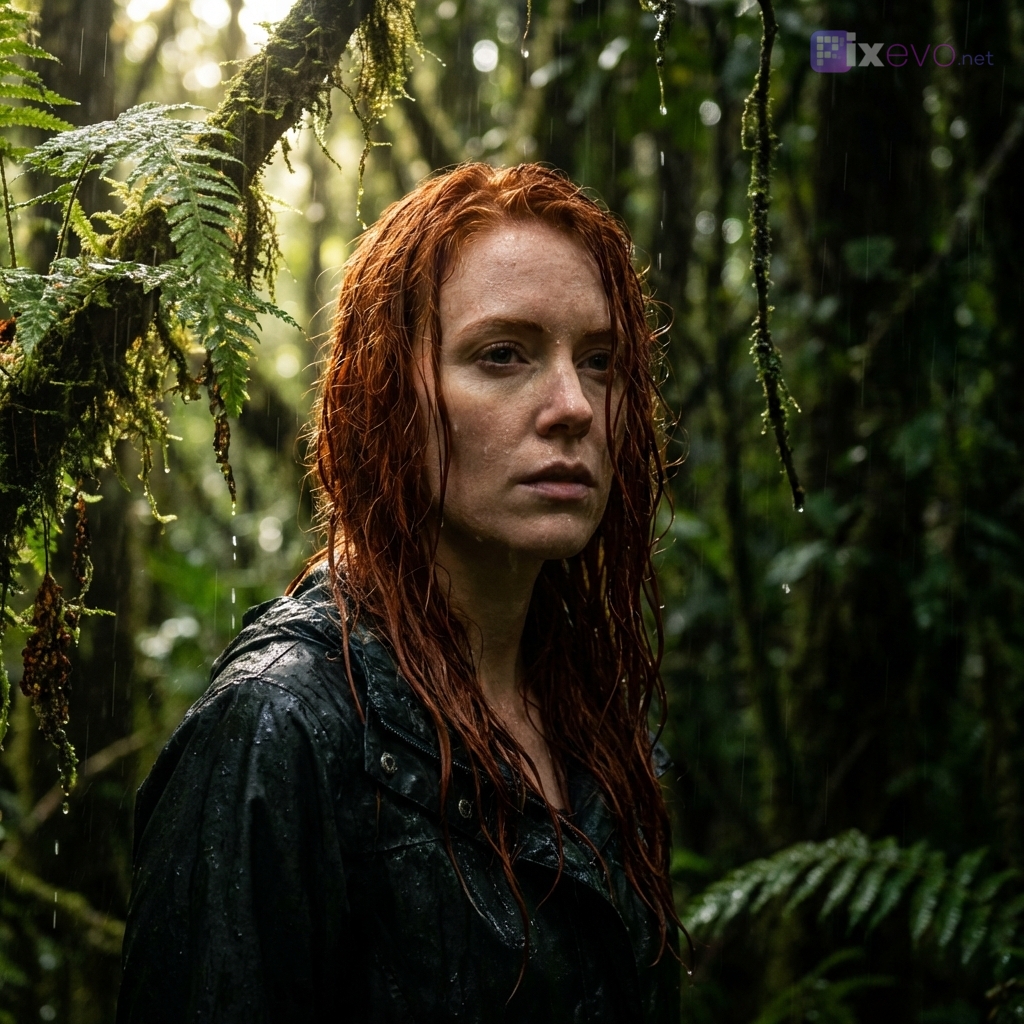
With traditional prompts, attributes leak to wrong elements. Describe a 'red-haired woman in a green forest', and you often get a woman with a greenish tint or a forest with red accents.
"red-haired woman, in a wet rainforest, dramatic lighting"
Result: wet hair, wet skin, red tints in the forest, dramatic shadows everywhere - everything bleeds together.
"hair_color": "red"
"atmosphere": "green, natural"
Semantic separation prevents bleeding
The JSON Prompt Builder separates each aspect of your image into distinct slots. The AI knows exactly which attributes belong to which element.
-
Subject attributes stay with your subject
-
Background styling only affects the background
-
Lighting effects are correctly applied
Six roles for perfect control
Assign reference images to specific aspects of your generation. Each slot has its own purpose and prevents cross-contamination.
Subject
The main subject of your image. Use for transferring general features like body type, clothing or posture.
Face
Specifically for facial features. Keeps identity consistent across multiple generations.
Style
Determines the visual style. From photorealistic to anime, from vintage to modern.
Pose
Copy exact posture and body position from a reference image.
Background
Define the environment separately from your subject. Prevents background colors from affecting your subject.
Reference
General reference for composition, mood or other elements that don't fit in other roles.
Integrated with your libraries
Directly link your saved characters and source images to the appropriate image roles.
Character Library
Choose from your saved characters and assign them to Subject or Face roles for consistent results.
- One-click character selection
- Automatic photo rotation for variation
- Face consistency across generations
Source Images Library
Reuse your previously uploaded images for style, pose or background reference.
- Organized by category
- Usage tracking and popularity
- Quick search and filtering
Total control over every detail
From hair color to bokeh shape, from fabric to camera lens - specify exactly what you want.
Subject
- Description, gender, age, ethnicity, body type, skin color
Character details
- Hair color, hairstyle, eye color, facial features, expression, gaze direction
Camera
- Lens type, focal length, aperture, depth of field, bokeh shape
Lighting
- Light type, direction, color temperature, intensity, shadows
Background
- Setting, location, weather, season, time of day, atmosphere
Clothing
- Top, bottom, shoes, accessories, jewelry, material
Materials
- Fabrics, textures, patterns, shine, transparency
Output & effects
- Aspect ratio, resolution, image quality, color filters, special effects
Traditional vs JSON Prompt Builder
Traditional prompts
- Concept bleeding - attributes leak everywhere
- Unpredictable interpretation by the AI
- Difficult to iterate on specific parts
- Re-type settings for every generation
JSON Prompt Builder
- Semantic separation - everything stays in place
- Exact control over every element
- Easy iteration on individual aspects
- Reusable templates and presets
Start with proven configurations
Six optimized templates to get started right away. Customize to taste or use as inspiration.
Character Reimagined
Place your character in a completely new setting while preserving all facial features.
Style Transfer
Apply a specific art style to your subject without losing identity.
Background Swap
Replace the background while your subject remains perfectly integrated.
Pose Reference
Copy an exact pose from a reference image to your own character.
Multi-Reference
Combine multiple sources: face from A, pose from B, style from C.
Professional Portrait
Studio setting with perfect lighting and bokeh for business portraits.
Frequently asked questions
No! The Prompt Builder is a fully visual interface. You simply fill in fields and select options from menus. The technical JSON structure is generated automatically - you never need to see or understand it.
Our visual editor prevents concept bleeding - attributes don't leak to wrong elements. Your red-haired model won't get a red background, and your wet setting won't make your subject wet.
Yes, you can save your favorite configurations as personal templates for later reuse. Combine with your character and source image library for maximum efficiency.
Experience precision prompting
Register for free and discover the power of structured prompts.