
Professional image editing
Edit your AI-generated images with professional tools. Histogram, HDR, color correction and batch edits included.
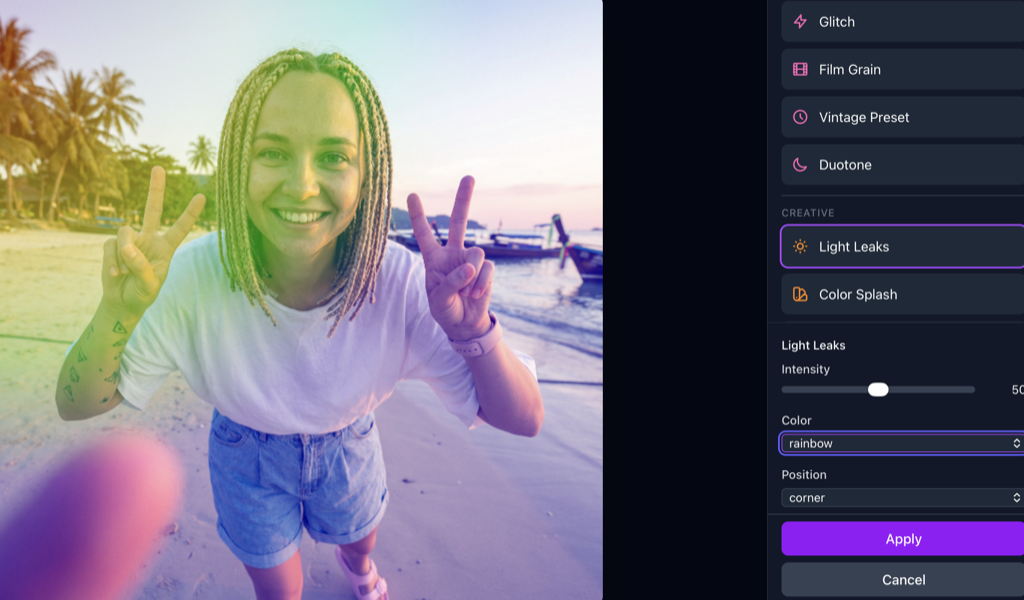
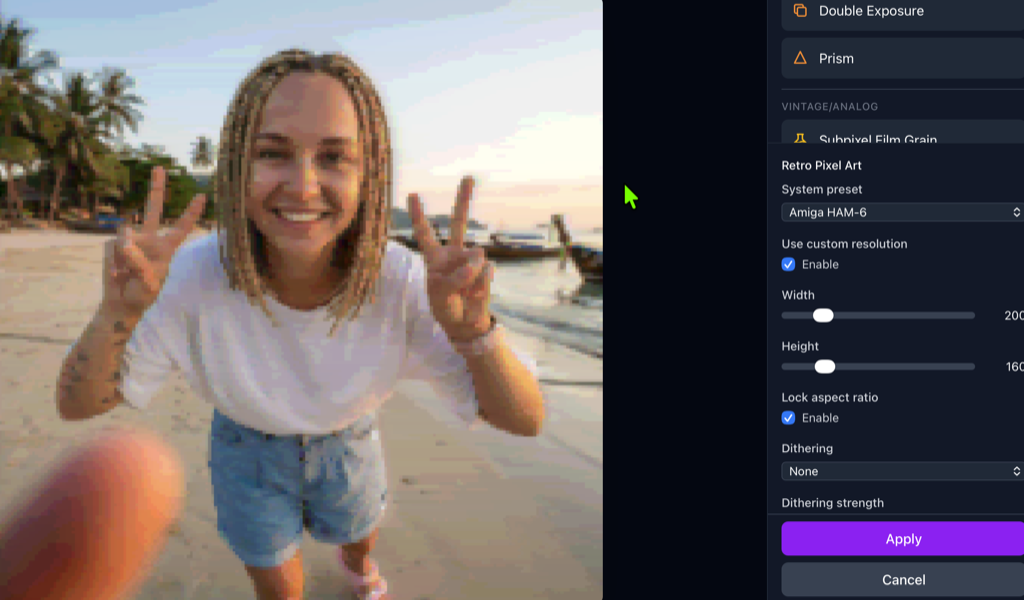
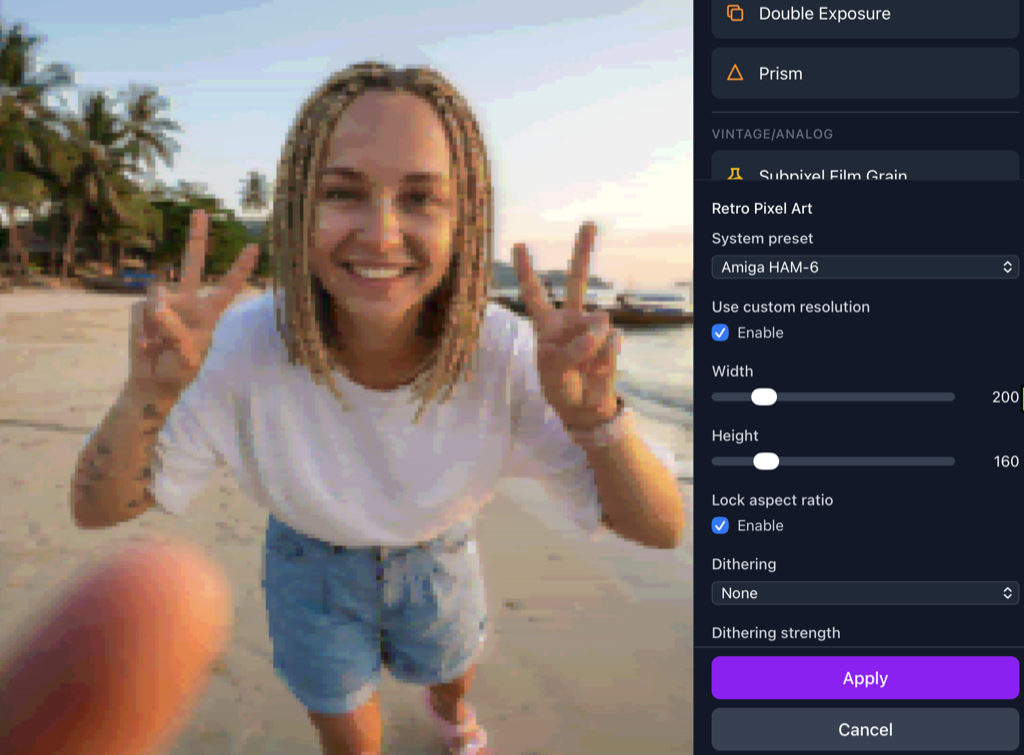
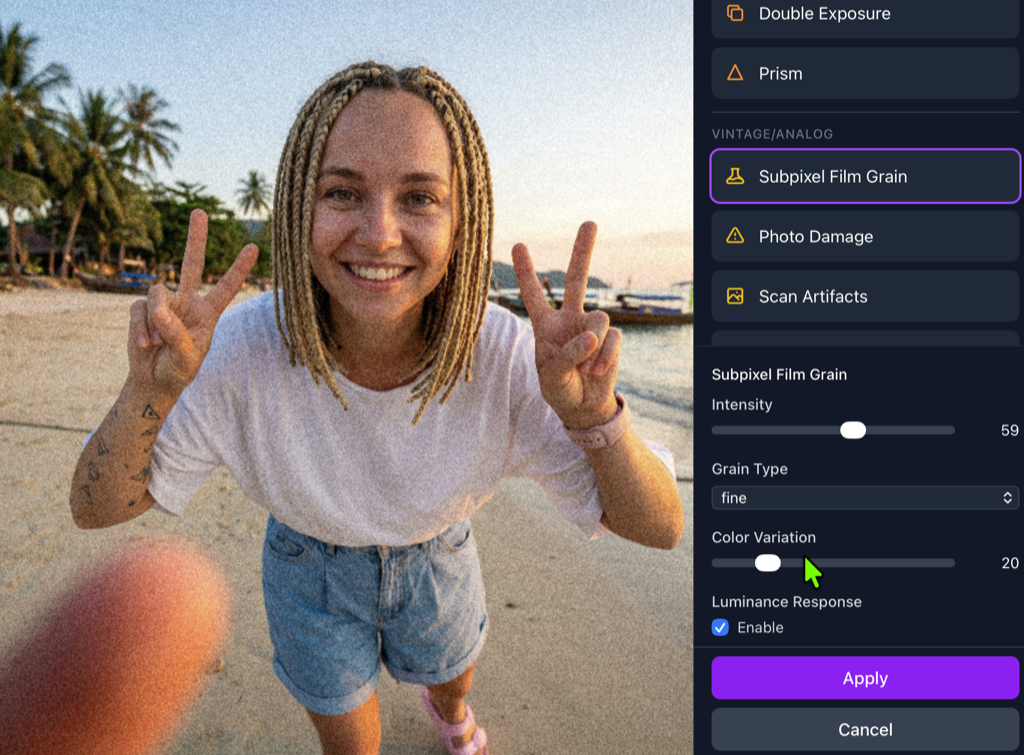
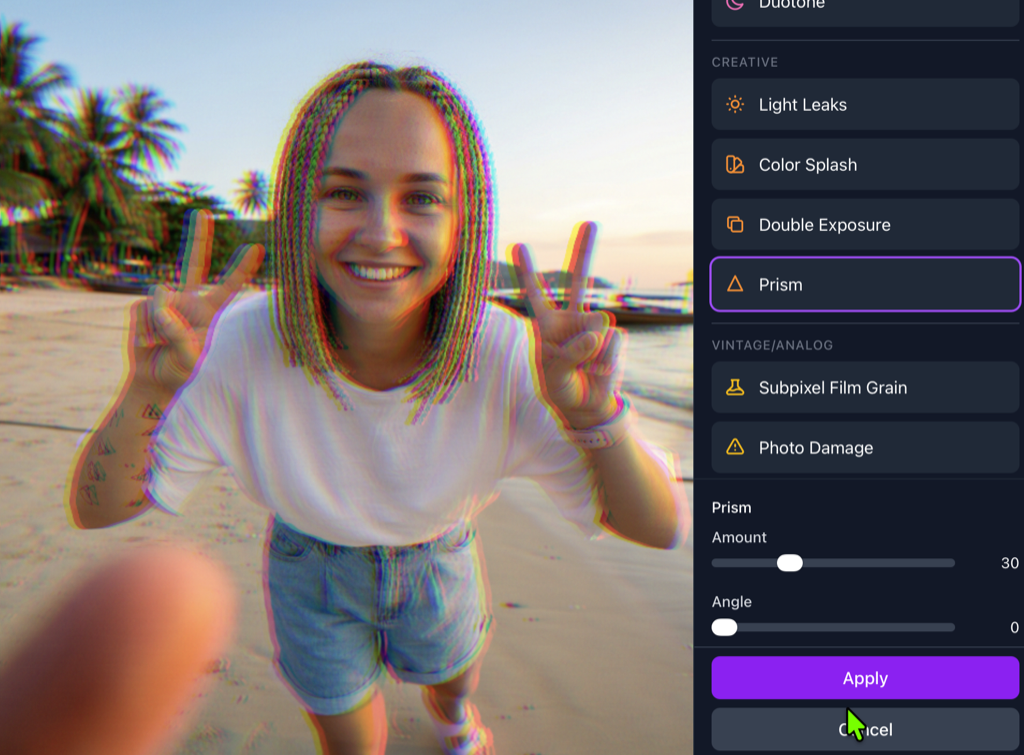
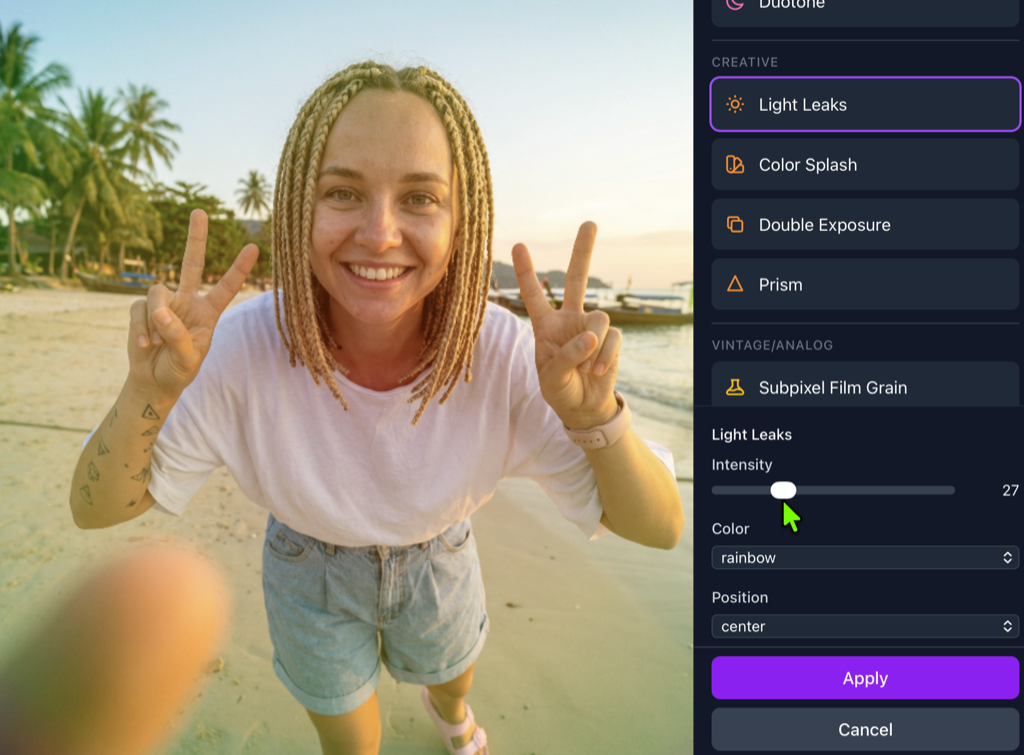
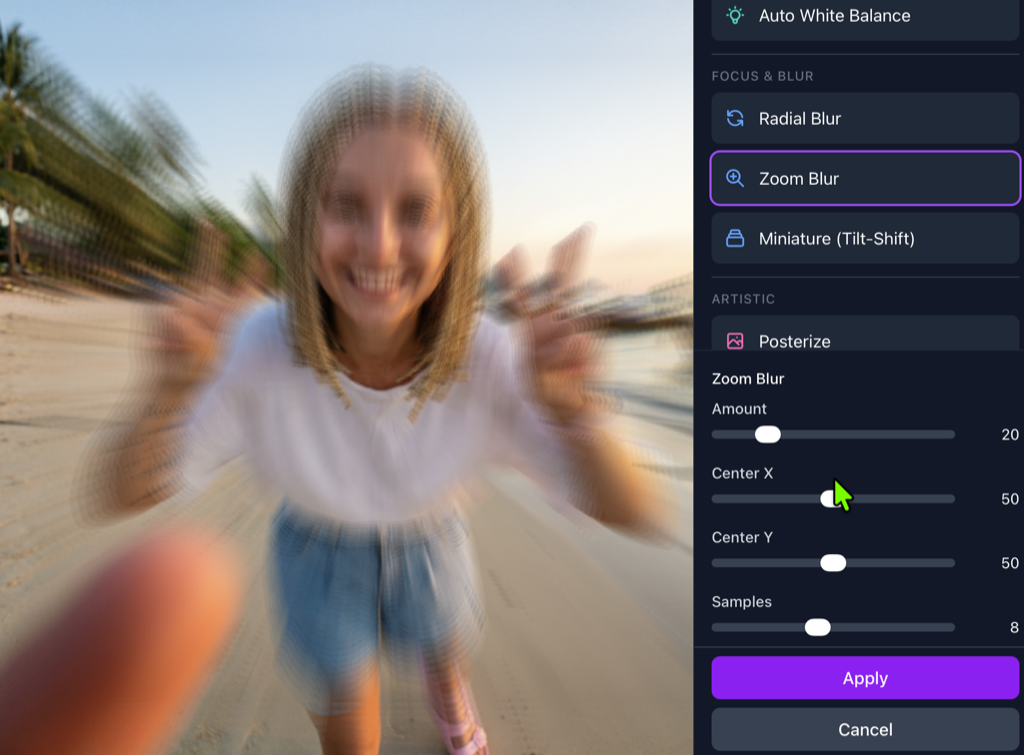
Histogram
RGB & luminance analysis
HDR Tone Mapping
Preserve shadow & highlight details
Color Correction
Curves, levels & white balance
Flexible Export
PNG, JPEG, WebP with EXIF
Adjustment Layers
Non-destructive editing with stackable filters
Crop & Rotate
Preset aspect ratios for social media
Sharpen & Blur
Selective sharpening, gaussian blur
Edit History
Unlimited undo/redo, revert to original
Professional editing tools
Histogram & curves
Professional color adjustments with real-time histogram.
HDR tone mapping
Bring back details in high-contrast areas.
Batch edits
Apply the same edits to all your images.
EXIF editor
Edit metadata for print and archiving.
Professional tools
Everything you need for perfect images
Histogram
Real-time color analysis and distribution.
Curves
Professional tonal adjustments per channel.
HDR Tone Mapping
Recover details from over- and underexposed areas.
EXIF Editor
Edit metadata, add copyright, adjust GPS data.
How it works
Open an image
Select an image from your library.
Apply edits
Use the professional tools for your adjustments.
Save batch
Save your edits as a batch for automatic application.
Automate your workflow
Save your edits and automatically apply them to all new generations. Ideal for consistent branding and product photography.
-
Save preset
Save any combination of edits as a reusable preset.
-
Auto-apply
Automatically apply presets to new images.
-
Bulk export
Export hundreds of images at once in any format.
Compare with other editors
| Feature | Pixevo | Simple editors | Desktop apps |
|---|---|---|---|
| Histogram | |||
| HDR Tone Mapping | |||
| EXIF Editor | |||
| Batch Edits | |||
| AI Integration |
Frequently asked questions
With batch edits you can save a set of adjustments (color, contrast, crop, etc.) and automatically apply them to all new generations. Ideal for consistent branding.
The editor is optimized for the PNG and JPEG formats that our AI models produce. RAW import is not available.
Yes, the editor has full undo/redo functionality and you can always go back to the original.
Edit like a professional
Register for free and discover our image editor.